How to choose purpose-built software over general-purpose platforms
When you try to solve a specific problem with a massive, multi-purpose platform, you often end up fighting the software just to get it to do one thing correctly. At Surfzone, we’ve learned that the most elegant solutions aren't always the ones with the most features—they are the ones designed for exactly one job.
The Cost of Feature Bloat in General Platforms
In the modern software landscape, "all-in-one" is often marketed as a convenience, but for many users, it manifests as a tax on productivity. When a platform tries to be everything to everyone, the user interface inevitably becomes cluttered with buttons, menus, and sub-features that serve only a fraction of the user base. This bloat creates cognitive friction; instead of focusing on the task at hand, the user has to navigate through layers of unnecessary complexity just to find the primary function.
This complexity doesn't just affect the UI—it impacts performance and stability. General platforms carry heavy overhead because they must support a massive array of integrations and edge cases. For a professional or an enthusiast with a specific workflow, this translates to slower load times, more frequent bugs, and a steeper learning curve. You spend your time mastering the software's quirks rather than mastering your own craft.

The most dangerous aspect of feature bloat is that it often fails at high-stakes tasks because the core functionality is diluted by "nice-to-have" features. When a tool is designed for everyone, it is optimized for no one. If you need a stable environment to manage a specific operation, you shouldn't have to navigate through a maze of features intended for markets you don't belong to.
What Defines Niche Software Tools?
Niche software tools are the antithesis of the "everything" platform. They are defined by purpose-built architecture designed specifically for a singular workflow or a distinct user group. Because these tools have a narrow focus, they can prioritize the features that actually matter to their users, stripping away everything else.
The primary advantage here is a focused feature set. When you use a tool built for a specific goal, the path from "input" to "result" is as short as possible. There are no distractions. This leads to much faster adoption because the design is intuitive; if the software only does one thing, it doesn't need a 100-page manual to explain how to find the "on" button.

By focusing on niche software tools, developers can iterate faster and provide more reliable experiences. Because the scope is contained, updates are easier to test and deploy, ensuring that the core functionality remains stable for the people who rely on it every day. It’s about precision over volume.
Specialized vs. Bloated: A Direct Comparison
When you weigh specialized software against bloated platforms, the difference in reliability becomes immediately apparent. Because a niche tool has fewer "moving parts" and fewer integration points with unrelated systems, it is significantly more stable. There are fewer ways for the system to break because there are fewer features that can fail.
Maintenance cycles also favor focused tools. An indie developer building a specialized tool can react quickly to user feedback. If a specific bug affects the core functionality of a niche tool, it can be identified and patched in hours, whereas a massive platform might see that fix buried in a month-long release cycle because it has to pass through dozens of unrelated departments.
Finally, there is the factor of cost-efficiency. In a bloated system, you often pay for features you will never use—you are essentially subsidizing their "extra" features with your subscription or license fee. With specialized software, you pay only for what you need. This transparency allows users to invest in high-quality tools that provide maximum value for their specific niche without the waste of a generic suite.
Solving Specific Problems with Purpose-Built Tools
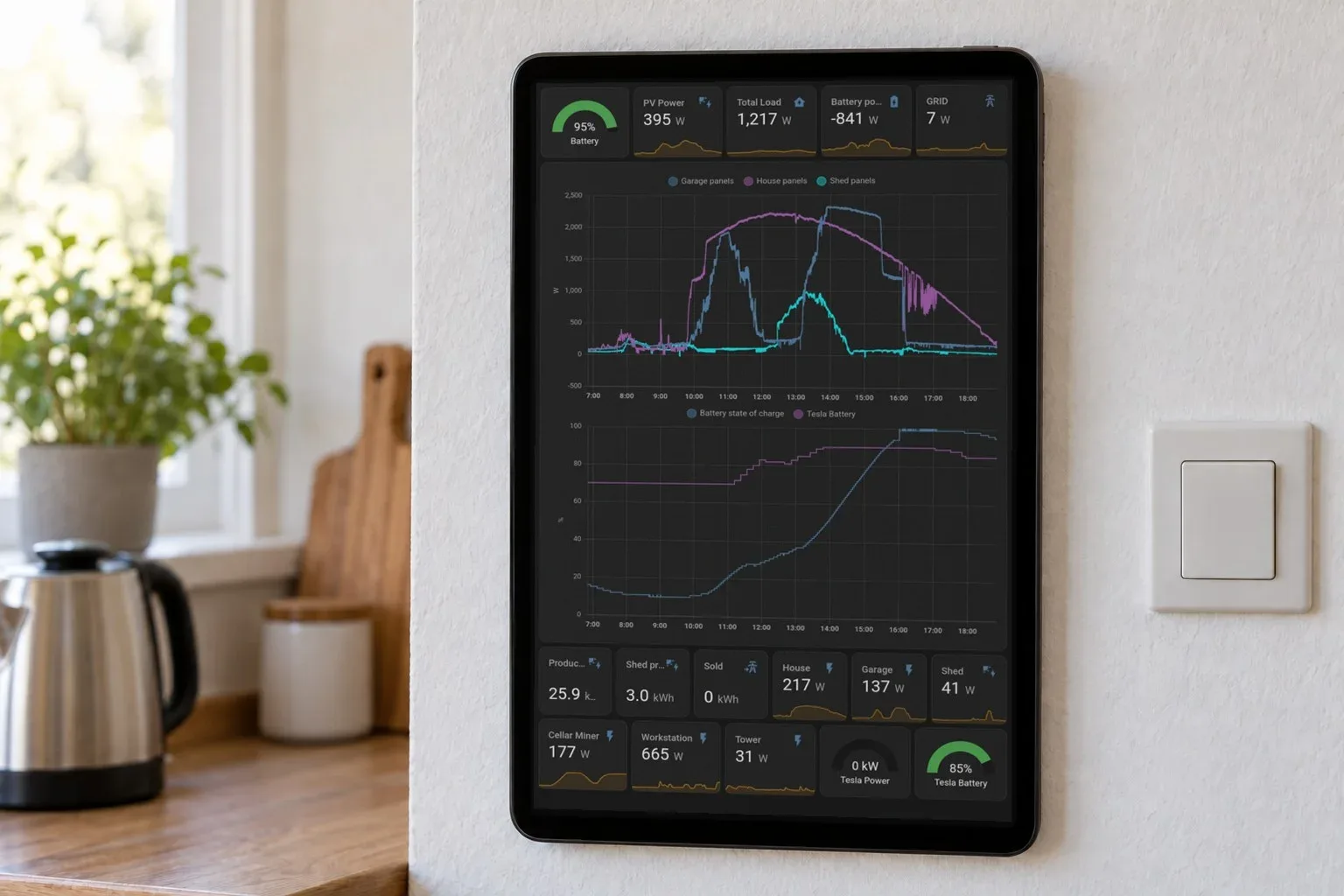
We see the power of purpose-built tools across several different domains. Consider hardware control: instead of trying to force a general-purpose tablet into becoming a dedicated display, a specialized tool like HAkiosk focuses solely on providing a full-screen kiosk experience for specific dashboards and menus. It handles things like face-detect wake and scheduled reloads because those are the core requirements for that specific use case.
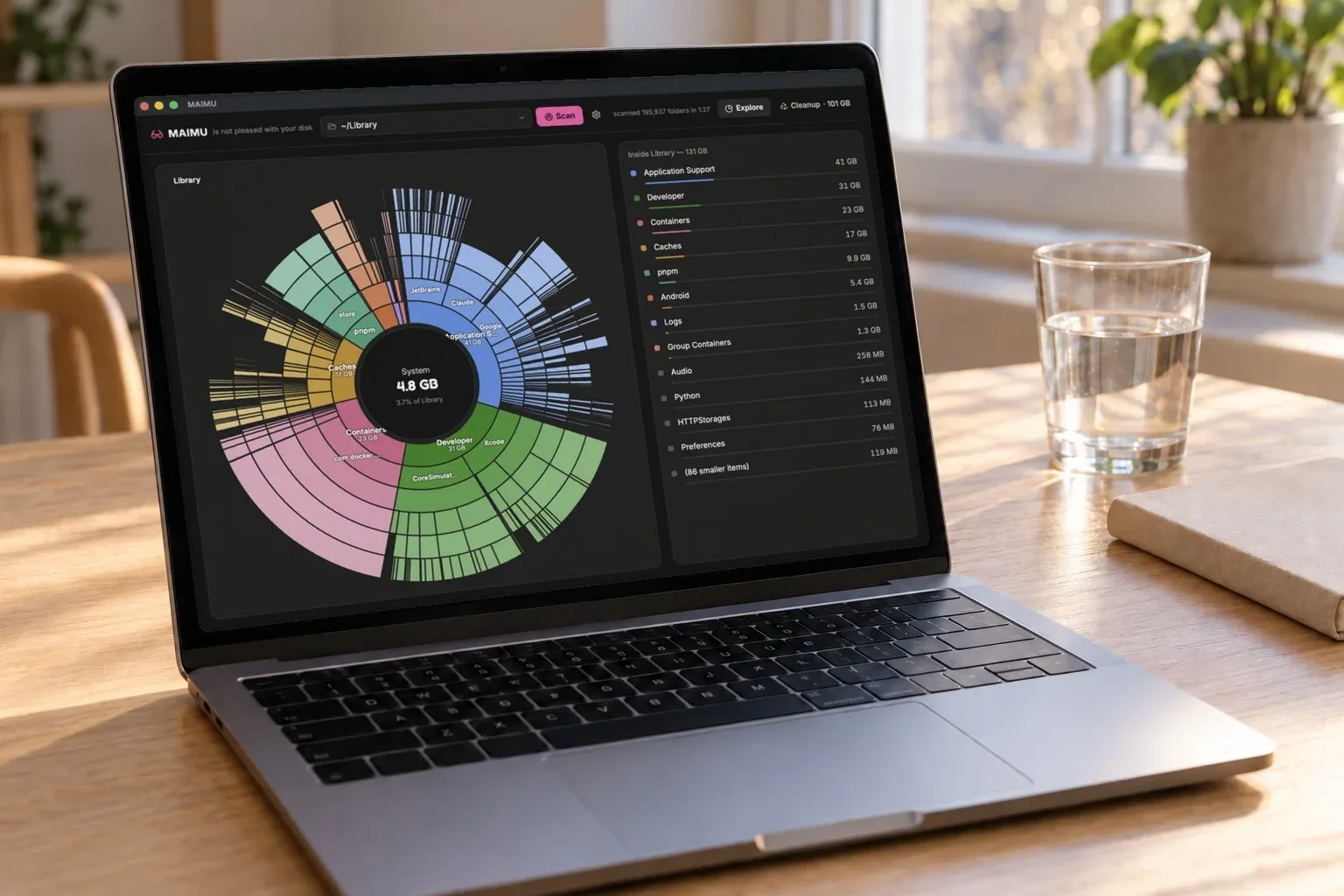
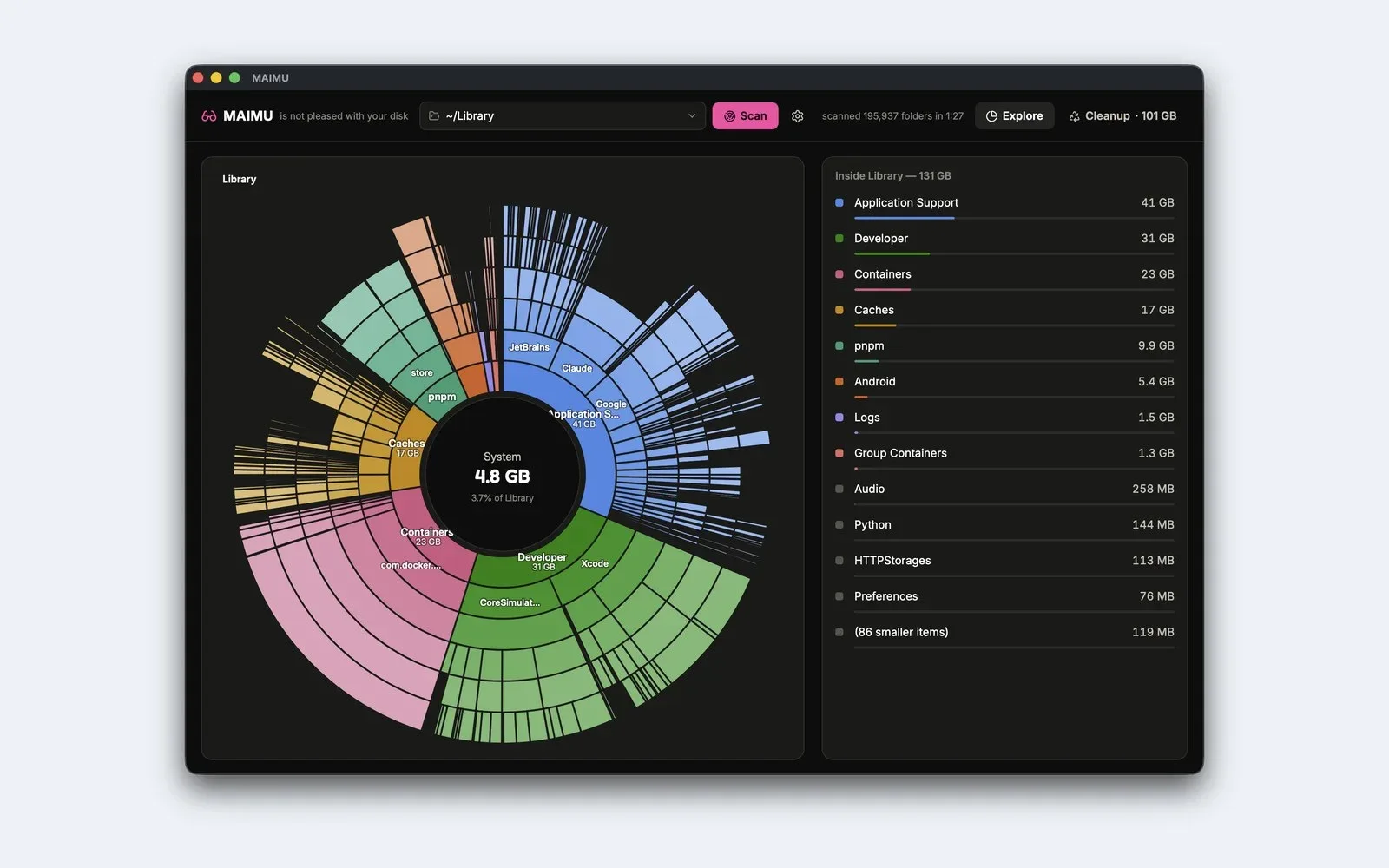
In data management, some problems require deep focus on specific file types. For instance, a user trying to clear space on a Mac doesn't need a general "cleanup" suite; they need a tool like MAIMU that understands where large files, Node versions, and build artifacts are actually hiding. By focusing only on the logic of identifying and safely moving these items, the tool becomes more effective than a broad system cleaner.

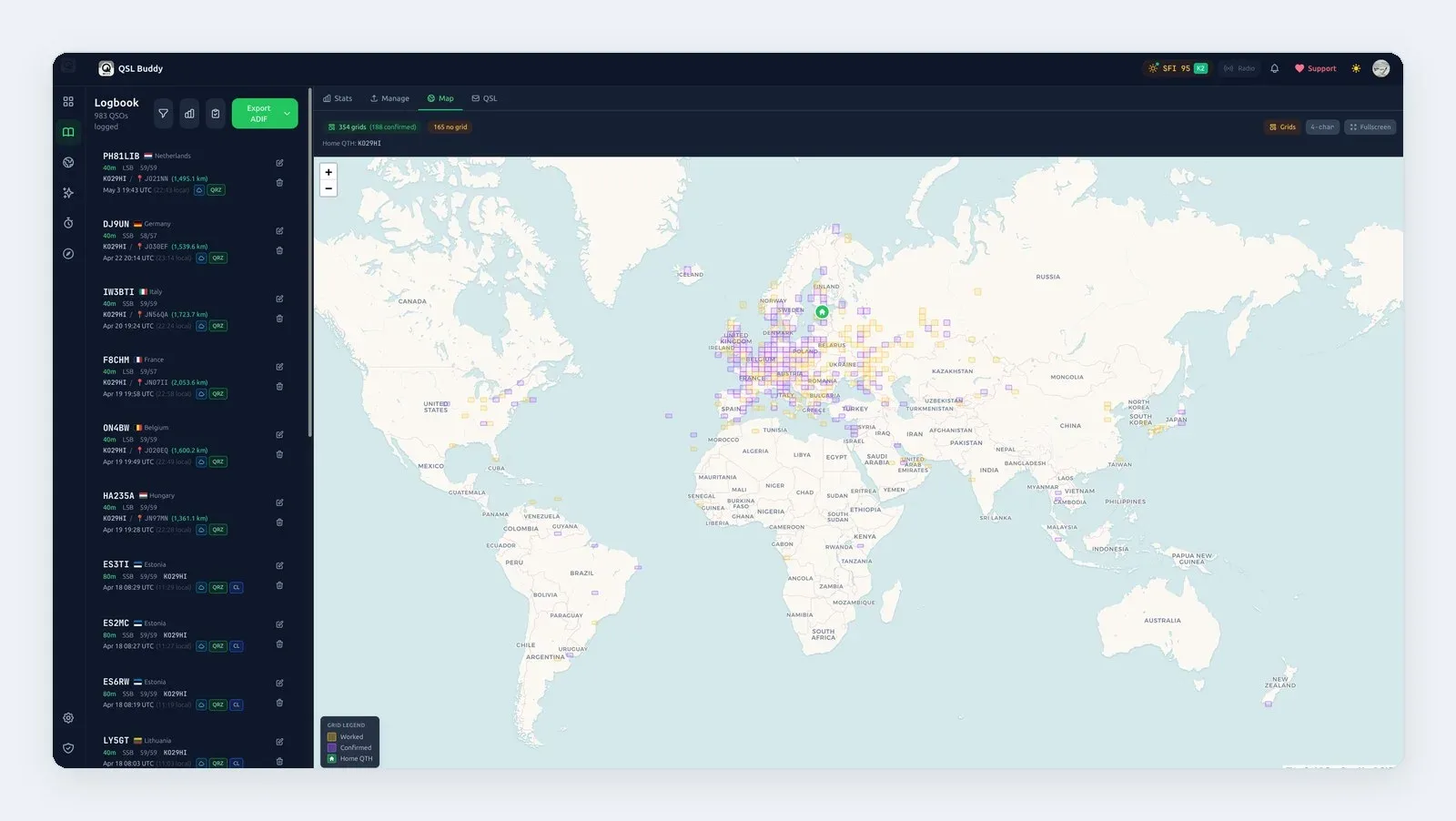
Even in hobbyist communities, specialized software is often the preferred choice. For amateur radio operators, a general-purpose logging app won't suffice because it lacks the specific protocols like ADIF import or specialized contest modes. QSL Buddy exists specifically to handle those unique requirements, prioritizing core functionality for the radio community over scalability for the general public.
Similarly, in the hospitality industry, a restaurant owner doesn't need a complex enterprise management suite just to display a daily special. A tool like MenuMog provides exactly what is needed—a way to show menus on various screens and manage orders via a simple interface. It solves a specific business problem without the overhead of features that don't belong in a kitchen environment.
How to Audit Your Toolstack and Identify Bloat
If you aren't sure if your current software stack is too bloated, start by identifying "pain points." Ask yourself: "How many clicks does it take to perform my most frequent task?" If the answer involves navigating through multiple menus or "learning" new features just to get a basic result, you are likely dealing with feature bloat.
Next, evaluate the necessity of your current tools. List every feature your current software provides and cross it off if you haven't used it in the last 30 days. If you find that 70% of the features are unused but you are still paying for them (or spending time managing them), those are prime candidates for replacement with a more focused tool.
The final step is defining your criteria for choosing a niche tool over a general platform. Look for these three indicators:
Does it solve my primary problem in under three clicks?
Is the interface designed specifically for my workflow?
Does the developer clearly understand the specific challenges of my industry or hobby?
If you can answer "yes" to all three, a niche tool is likely your best path forward for long-term productivity and satisfaction.
Identify one core task in your workflow that is currently hindered by complex software and switch to a purpose-built tool.